


Private client access
Use the client reference and separate access code issued by the delivery team to open the client’s own shared project collection.
WHAT THIS HELPS YOU DO
TOOLS, STUDIOS & WORKING RESOURCES
Open the existing portal for its tools and resources. Access within a studio follows the roles and permissions set for that workspace.
Use the client reference and separate access code issued by the delivery team to open the client’s own shared project collection.
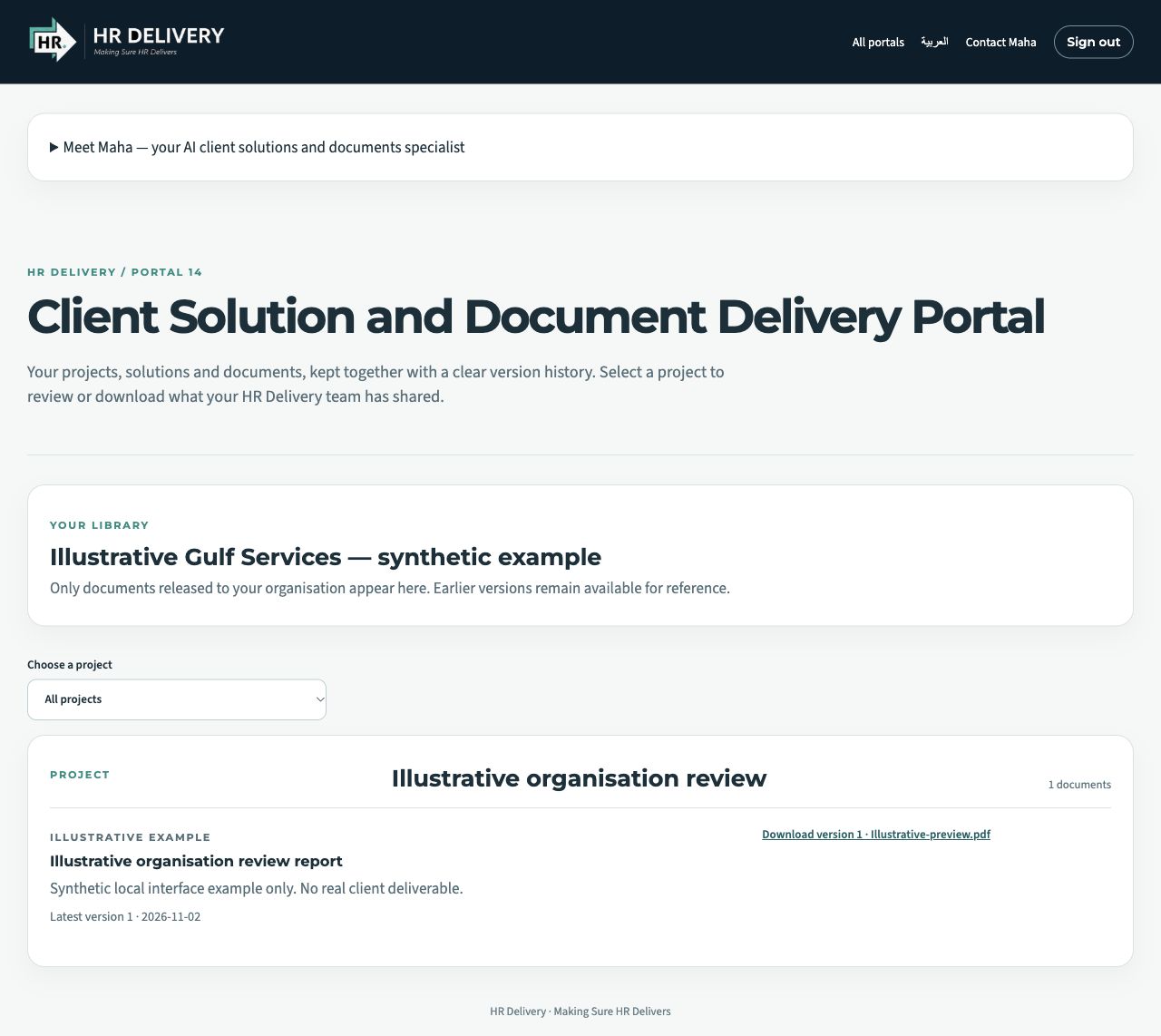
Find the solutions and documents released to the client, organised by project. Internal team files stay separate until the delivery team shares them.
Download available deliverables and find earlier versions retained with the project. Keep the context of an evolving document visible.
Ask Maha to help identify the document or collection you need and prepare a focused enquiry for the human HR Delivery team.
Select a particular project or return to the complete project view to find the work you need. Each shared document carries its title, category, notes, latest version and update date, with the available version downloads alongside it. This helps a client locate the relevant deliverable and understand which copy to use before raising a question with the delivery team.
Open the client library ↗The HR Delivery team controls which project documents are released to each client. Internal working files remain separate until the team shares them, while previously retained versions stay with the client’s collection. Use this shared space as the reference point for agreed deliverables and subsequent revisions, and contact the team when a document or updated version is needed.
Enter the delivery portal ↗FROM A QUESTION TO A USEFUL NEXT STEP
Specialist AI support helps with research, structure and first drafts. Contact HR Delivery to arrange the service and agree the support your organisation needs.
Meet Maha ↗Enter the client reference and access code, then choose the relevant project.
Review available documents and versions before downloading the material you need.
Clarify your request with Maha’s guidance, then contact the delivery team about the next step.
EXPLORE THE PUBLIC RESOURCES
YOUR DEPARTMENT WORKSPACE
The client delivery space is organised around the projects and documents released to that client. Select a project, read the document context and download the available versions. A separate client reference and access code protect each collection, while the HR Delivery team controls which working files are shared.
Maha / HR DELIVERY
Tell us your organisation, the work you need help with and the outcome you want to achieve. We will discuss the appropriate membership or service.